Sales Rep Accountability Reports: Empowering Success and Driving Performance

In this article, we will explore how SmartCart360’s account receivable accountability tools help sales managers track the performance of their team.

Sales rep accountability reports play a crucial role in driving success and ensuring optimal performance within sales teams. These reports provide a transparent and data-driven view of individual sales reps’ activities, targets, and results, enabling effective monitoring, evaluation, and improvement of their performance.

 

View Collection Attempts List

First, open the main menu by clicking or tapping on the menu icon in the upper left of the screen and scrolling down to the Accounts Receivables section.

Inside the Accounts Receivables Section click or tap on the Collection Attempts menu item.

Sales Rep Accountability reports
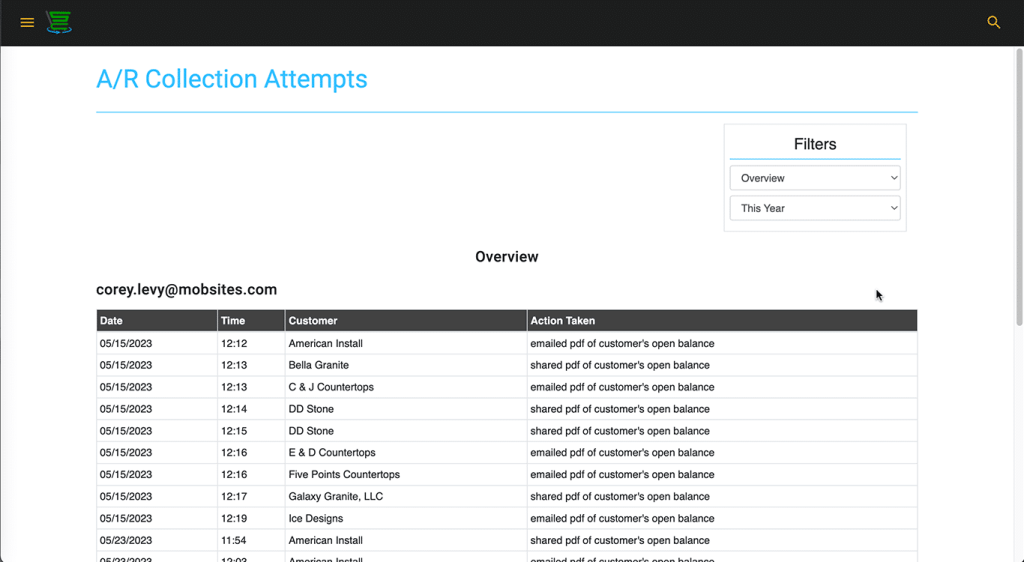
The Actions Taken Report

Inside the collection attempts, we can see the Sales Rep and which customer they have reached out to by date and time and the action taken. The action taken will show us if they’ve emailed, or shared a report. An email means an email was sent, and shared is usually when we’re in a mobile activity and we text a report.

Sales Rep Accountability Reports
Filtering Actions Taken

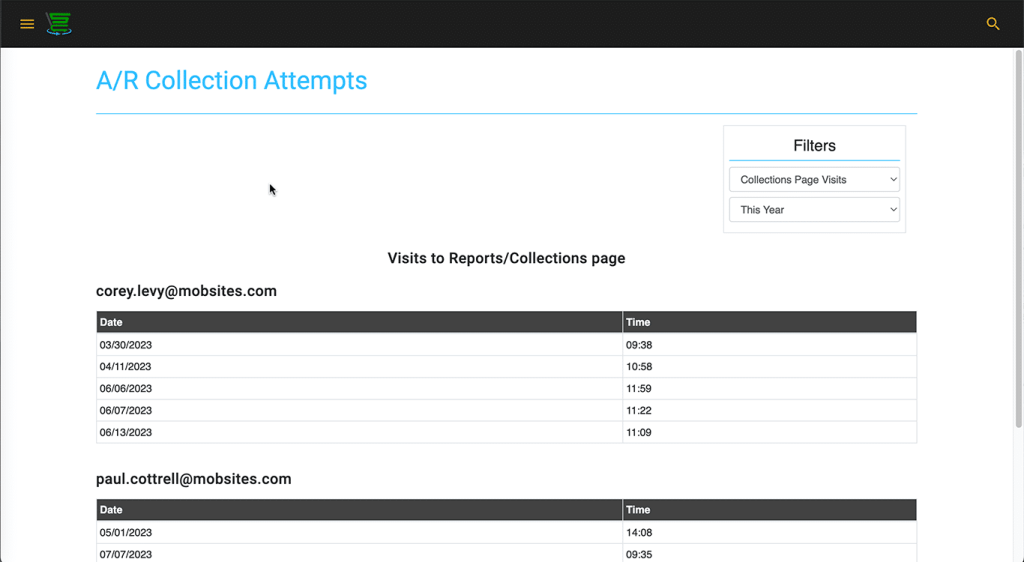
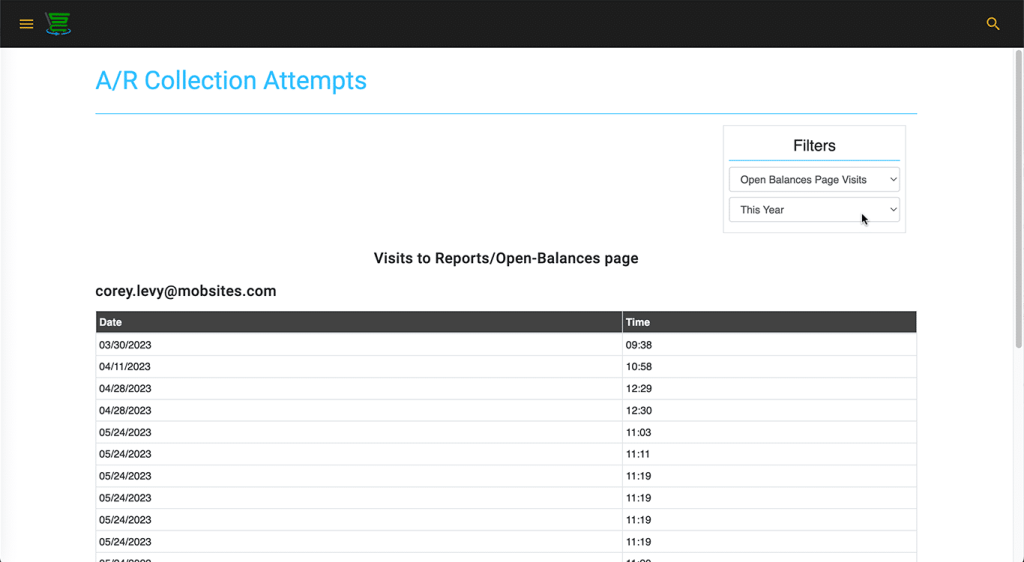
And we also can use our filters here as well to look at a few other ways. We can look at collections page visits, and open balance page visits as well, which is pretty neat as well.

The Collection Attempts are grouped by Sales Rep.

smartcart360_collection-page-visits
smartcart360_open-balance-visits