Adding Mobile Shortcut
This page will guide you through the process of adding the SmartCart360 shortcut icon to your mobile home screen
Table of Contents
This page will guide you through the process of adding the SmartCart360 shortcut icon to your mobile home screen
Table of Contents
First, Open a browser window by clicking or tapping on the browser icon on your home screen
Next, Enter the domain URL of your SmartCart360 app.
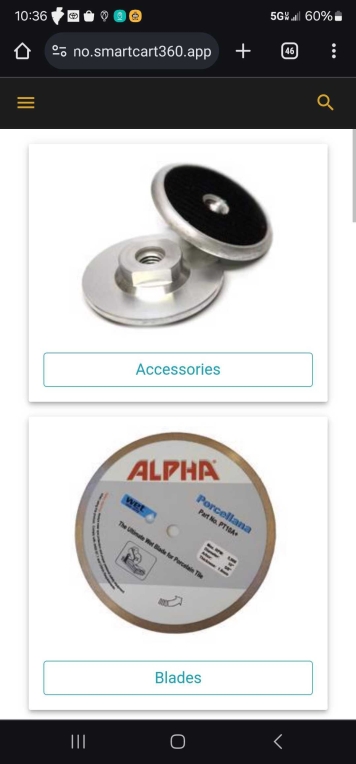
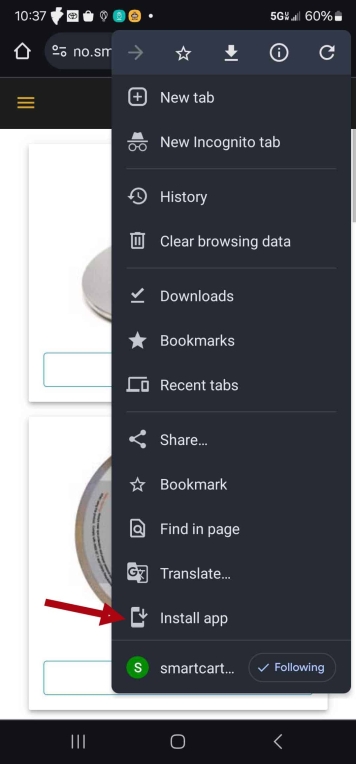
First, Click or Tap on the three dot menu icon in the upper right hand corner.
Next, Click or Tap on the Install menu option.

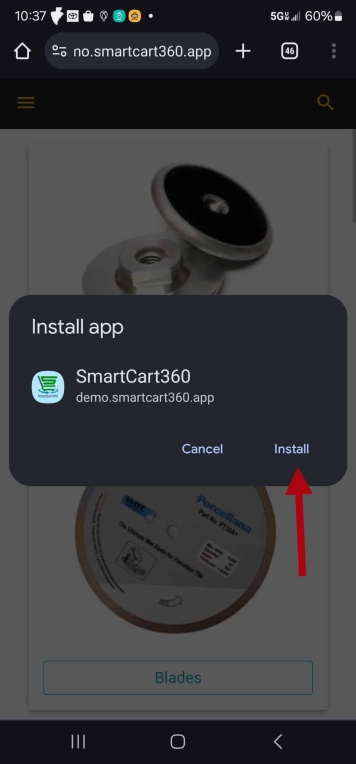
Next, Tap Install on the pop up modal.
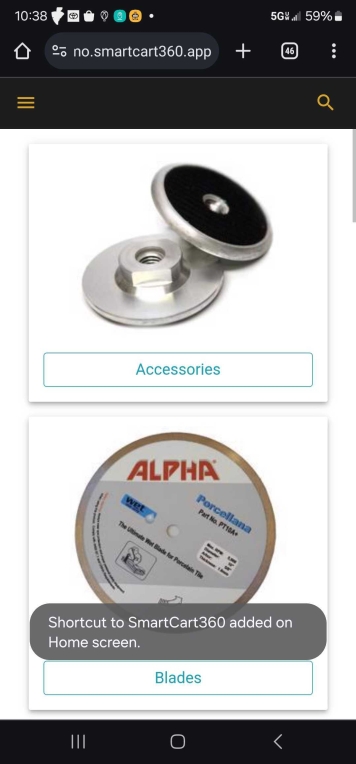
You will see a pop up indicating that the install was a success.
You can now navigate to your device home screen and the shortcut icon should be present.

© 2023 SmartCart360