Table of Contents
Adding iOS Mobile Shortcut
This page will guide you through the process of adding the SmartCart360 shortcut icon to your iOS mobile home screen
Table of Contents
This page will guide you through the process of adding the SmartCart360 shortcut icon to your iOS mobile home screen
First, Open a browser window by clicking or tapping on the browser icon on your home screen
Next, Enter the domain URL of your SmartCart360 app and Log In
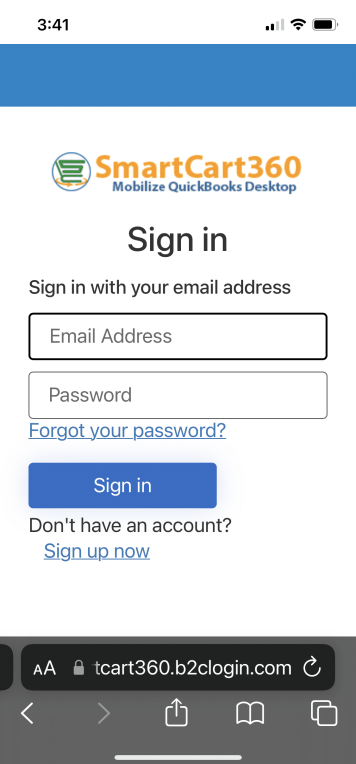
First, Tap on the browser menu icon in the bottom menu
Next, Tap on the Add to Home Screen menu option.


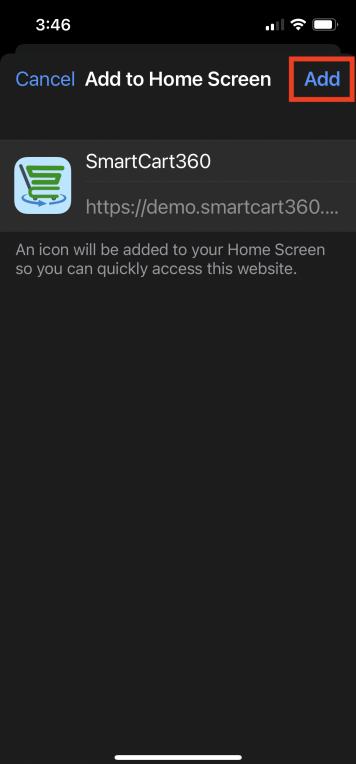
Next, Tap Add on the installation confirmation screen.
You can now navigate to your device home screen and the shortcut icon should be present.

© 2023 SmartCart360